Posts

Gradient headings in blogger

Image
How to create Gradient headings   To create gradient headings  you will have to put a small code in your Theme, with the help of which you can change the background color of all your headings to gradient color, so that whenever user comes there, it will look good and it will be visible in your post and it's looking beautiful and eye catching  To apply this, now go to the layout section of blogger then add a HTML JavaScript gadget anywhere and paste the code here,    keep in mind that here we have given 5 styles, if you like any of the five  So copy its code and put it in your layout section Here is 2 methods to add this style in your post  1St one is automatic and 2nd is custom In automatic method you need to Copy these code and paste it in your layout section (in HTML javascript gadget) And when you want to add different colours for your different headings you need to add class in your heading tag like when you want to apply 3rd style you need ...

Popup social media follow button for website

Image
How to add a beautiful pop-up and animated social follow button  Adding a pop-up social media follow button in your Blogger website is a great way to increase your social media followers and engage with your audience. A pop-up social media follow button is a button that appears on your website when a visitor hovers over it. In this post, we will walk you through the step-by-step process of adding a pop-up social media follow button in your Blogger website. Step 1: Choose Your Social Media Platforms Before adding the pop-up social media follow button, you need to decide which social media platforms you want to display. You should choose the platforms where you are most active and where you want to grow your following. The most popular social media platforms are Facebook, Twitter, Instagram, and Pinterest. Step 2: Create Social Media Buttons Once you have decided which social media platforms to display, you need to create social media buttons. You can create social media buttons usin...

Top 20 iPhone VN lut files download

Image
iPhone VN LUT files, also known as "lookup tables," are color grading tools that can be used to enhance the visual appearance of photos and videos captured on an iPhone. These LUT files are specific to the Vietnamese market, hence the "VN" designation, and are designed to work with the camera sensors and processing software found on iPhones sold in Vietnam. Benifits of luts in vn app  LUT files are essentially a set of instructions that tell editing software how to modify the colors in an image or video. They work by mapping the colors in the original footage to a new set of colors, resulting in a different overall color grade. This can be used to achieve a variety of creative looks, from warm and vibrant to cool and moody. There are many different LUT files available for use with iPhones, and the iPhone VN LUT files are just one example. These LUTs have gained popularity in Vietnam and other parts of Southeast Asia, where they are often used in the fashion and beau...

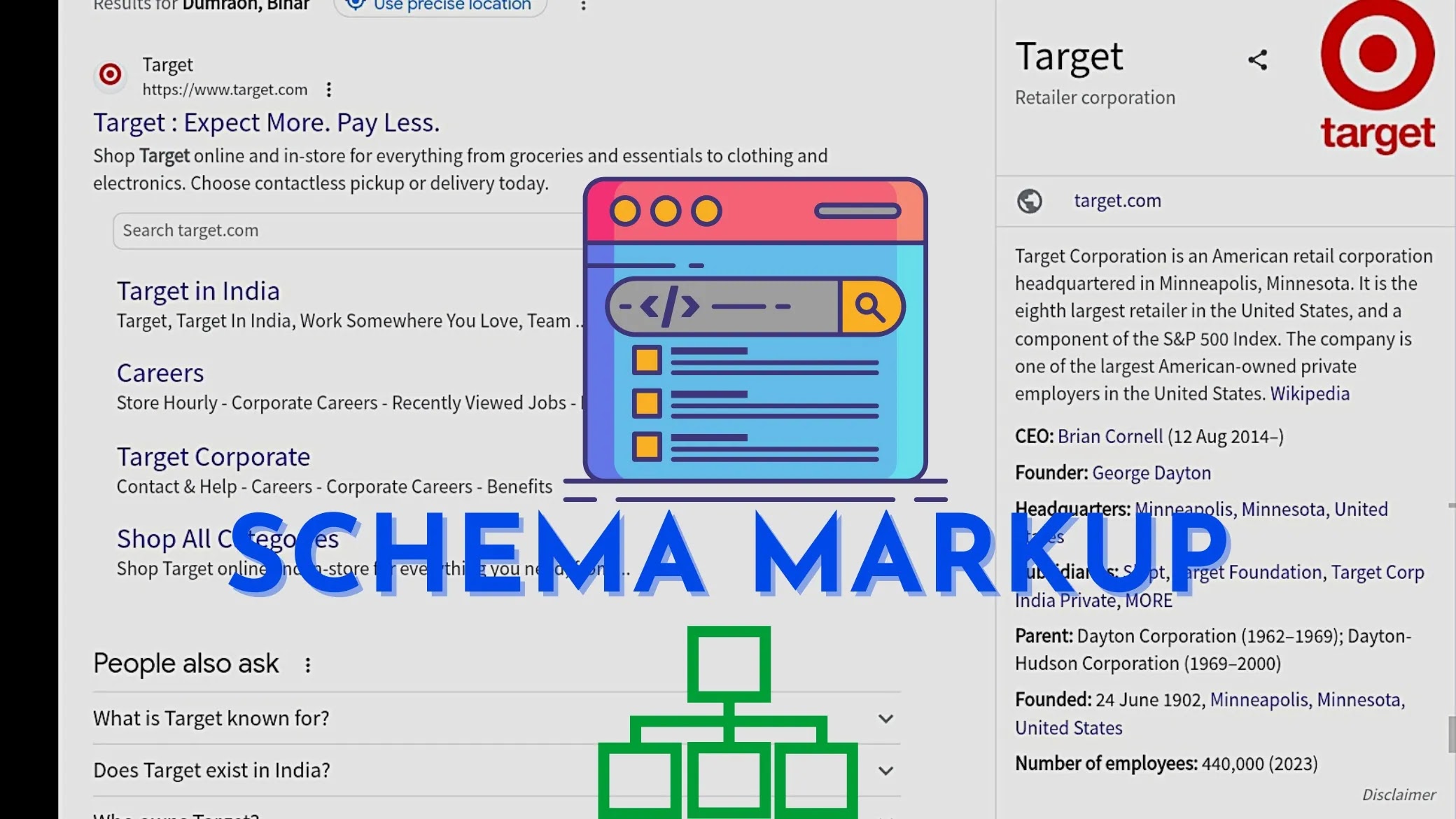
How to add scheme markup in blogger (2023)

Image
What is schema markup? Schema markup is a type of structured data markup that is used to provide search engines with additional information about the content of a web page. It is a way to communicate the meaning and context of the content to search engines, which can help them to better understand and interpret the content. Schema markup uses a standardized vocabulary of microdata tags that can be added to the HTML code of a web page. These tags provide information about the content of the page, such as the type of content, the author, the date of publication, and other relevant information. By adding schema markup to a web page, website owners can enhance the appearance of their search engine listings, improve the accuracy of search results, and potentially increase their click-through rates. Search engines like Google, Bing, and Yahoo use schema markup to help improve the search experience for users and provide more relevant and informative search results. Some common types of schema...

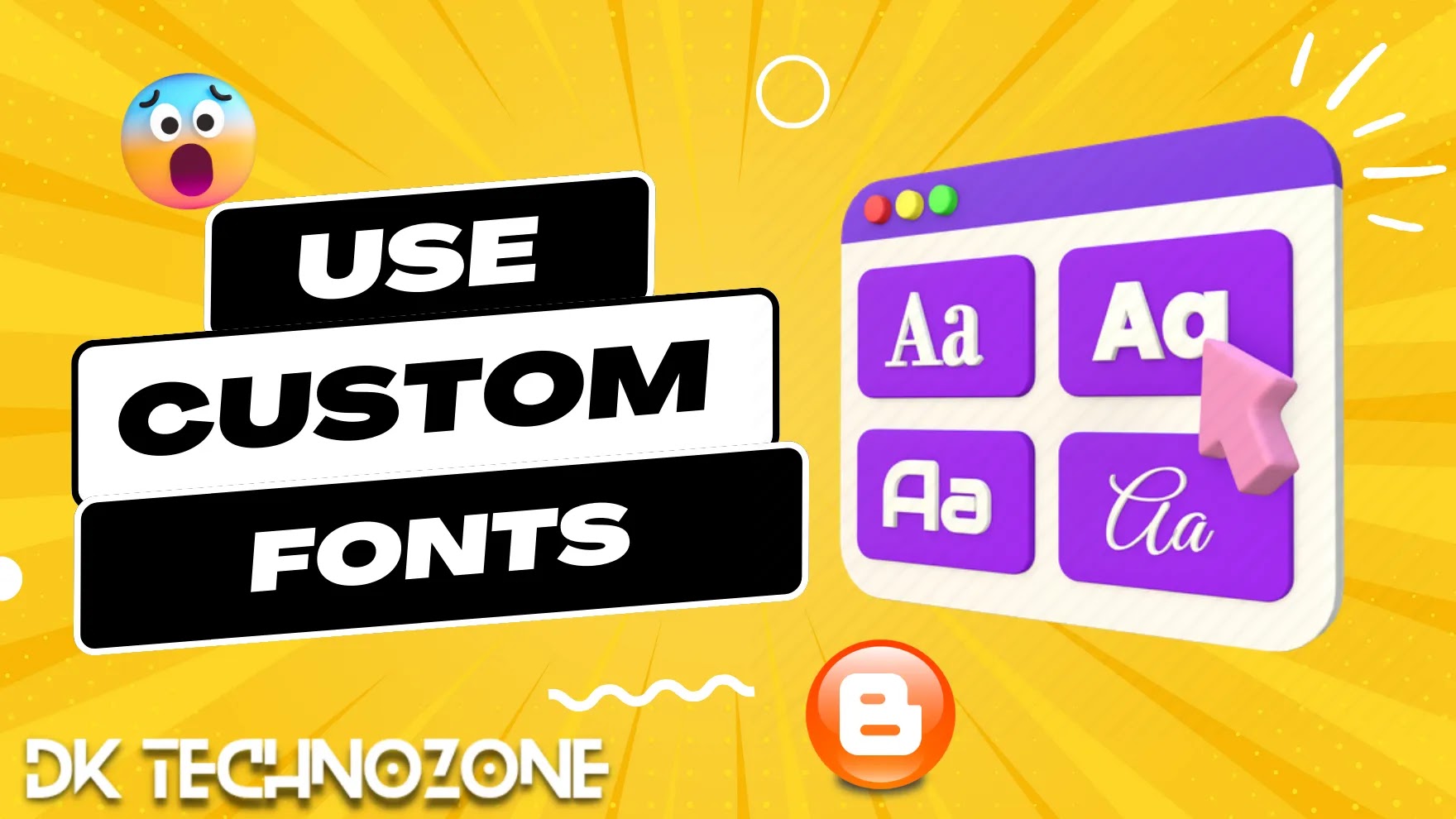
How To Use Custom Font In Blogger

Image
If you are a blogger, you know how important it is to have a visually appealing website. The font you choose for your website plays a critical role in how your content is presented to your audience. Fortunately, changing the font on your Blogger website is a simple process, and this post will guide you through the steps. Before we get started, it is essential to note that Blogger uses Google Fonts, a free and easy-to-use platform that offers a wide variety of fonts. Therefore, if you want to change the font on your website, you will need to choose from the available fonts on Google Fonts. Once you have selected your preferred font, follow these steps to change the font on your Blogger website: Step to use custom font in blogger  Step 1: Log in to your Blogger account and navigate to the Theme section. Step 2: Click on the "Customize" button next to your current theme. Step 3: In the left-hand sidebar, select "Advanced." Step 4: Scroll down to the "Add CSS"...

Median UI 1.7 Redesigned premium Blogger template download

Image
Median UI 1.7 is a popular blogger template that is known for its clean, modern, and minimalistic design. It is a responsive template that adapts to different screen sizes and devices, making it perfect for bloggers who want to provide their readers with a seamless browsing experience. In this post, we will discuss the features of Median UI 1.7, and how adding extra features like Google Translate Button and Social Plugin can enhance the functionality and usability of your blog. Features of Median UI 1.7 SEO Friendly Yes Mobile Friendly 404 page  Featured Posts Yes Shortcode  Ads Ready JResponsive yes • Google Tool Validator  Responsive footer  Social Follow Button  Multi drop down  Search Widget  Related Posts with Thumbnails  Social Share Button  SEO score ranges from 98 on mobile to Email Newsletter Widget Yes Recent Posts Widget  Detailed documentation Yes Responsive menu and layout  Median UI 1.7 new features New comment section...